Handheld picking and dispatch
Android handhelds guide staff through picking, booking in and stock counts, and dispatch benches print the right label first time.
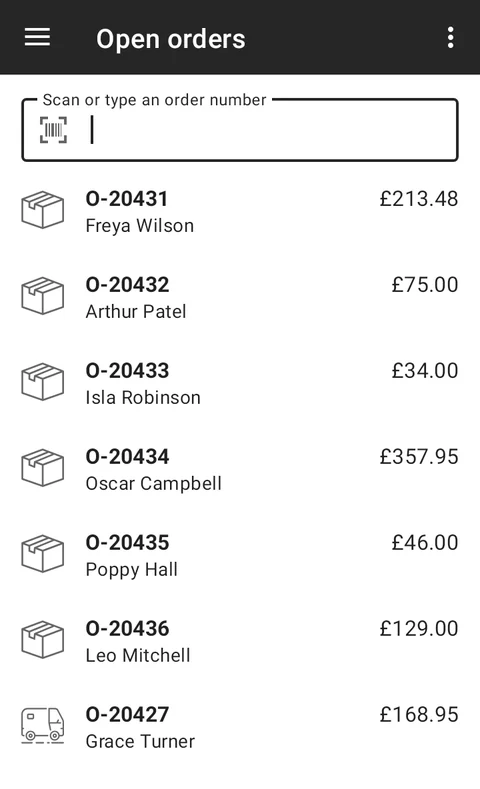
The Business Data Engine warehouse app runs on rugged Android handhelds. Staff scan their way through the day; the system works out what to pick, where it is and how it should be shipped.
Picking
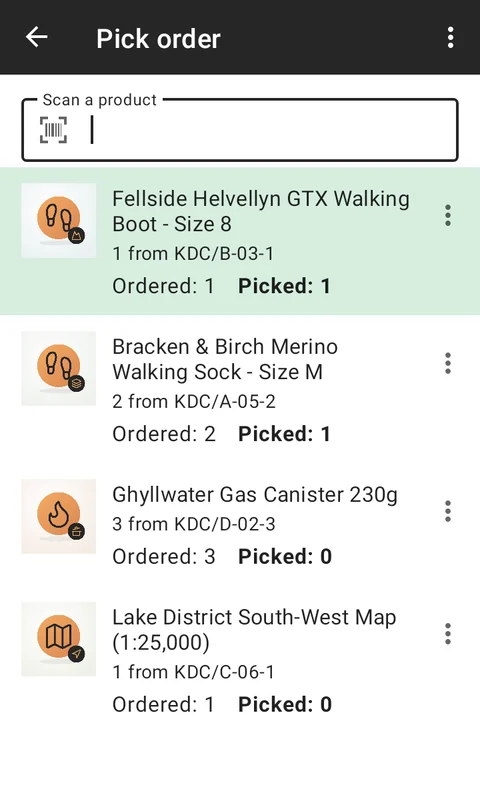
Orders arrive on the handheld ready to pick, with each line’s bin location. Scanning each item confirms it’s the right one, so mis-picks are caught before the parcel is sealed.
Booking in
When a delivery arrives, the handheld books each item in against the expected shipment, so stock is available to sell as soon as it’s on the shelf.
Dispatch benches
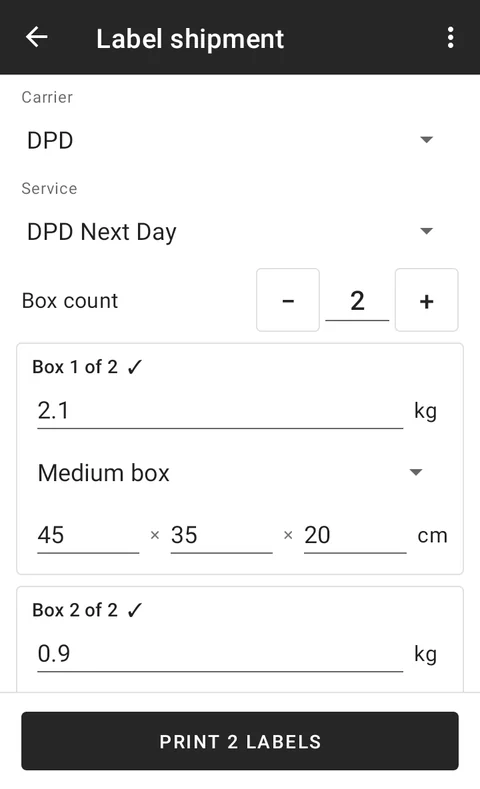
Each packing station is a dispatch bench. A handheld links to the bench, and the bench knows its scale and its label printers (thermal EPL and PDF). When an order is packed:
- the parcel is weighed, and the office is alerted if the weight doesn’t match what was ordered;
- the shipment is booked with the carrier;
- the label prints on that bench’s printer, ready to stick on.
Click and collect
For orders collected in person, Business Data Engine can send the customer a collection PIN, and the parcel is only handed over when the right PIN is given.
See how the floor is doing
The handhelds record how long it takes to load each order and pick each item, so you can see which orders, products and processes slow the team down, and a live dashboard tracks the benches.
See it in action