Warehouse and stock
Live stock across every warehouse, shop and bin, with stock takes, transfers and supplier imports that keep the numbers right.
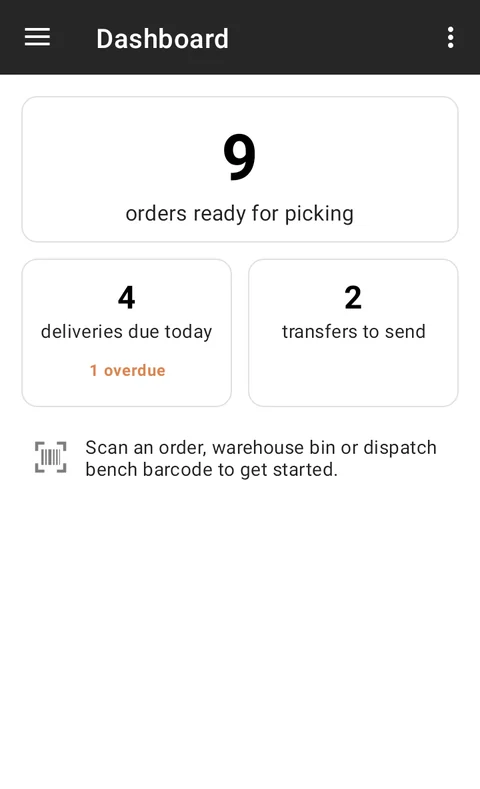
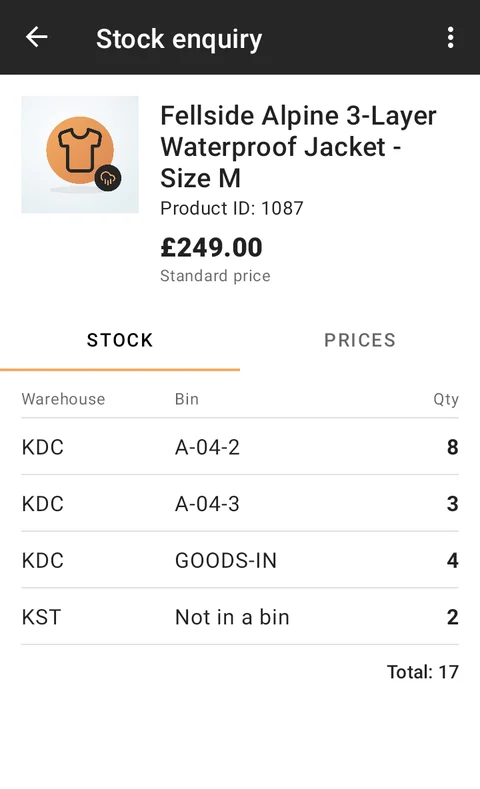
Every sale, delivery, transfer and adjustment updates one stock record. Your website, tills and warehouse staff all see the same figure, so you stop selling things you don’t have.
Know where everything is
- Set up supply origins (your own warehouses, shops or suppliers) and the stock locations within them.
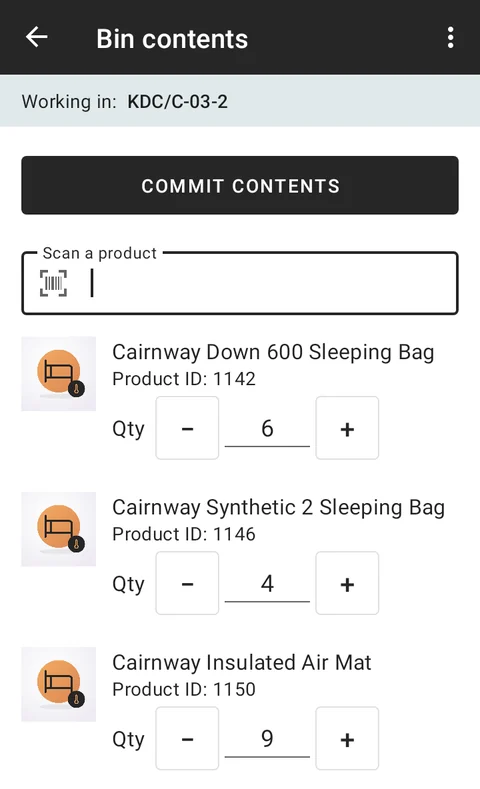
- Break a warehouse down into bins, each with its own type and a printable barcode label.
- Give each product its stock codes and barcodes, including suppliers’ own codes.
- Set location-specific prices where a product costs more to supply from one place than another.
Keep the count honest
Stock takes can be run on the warehouse handhelds, bin by bin. The counts come back for review, and nothing changes until a manager approves them.
Move stock where it’s needed
Stock requests ask one location to send goods to another, whether that’s topping up a shop from the warehouse or rebalancing between sites.
Let your suppliers do the typing
Many suppliers publish their stock and prices as spreadsheets or data files. Import templates map their columns onto yours, with transformations and skip rules, so their figures can be pulled in on a schedule. Prices in other currencies are converted for you.
Value it properly
The stock value report values your stock on any date using FIFO or average cost (AVCO), optionally including stock allocated to orders that haven’t shipped yet.
See it in action